Find every issue. Get the exact fix.
One crawl checks your whole site against more than a hundred technical and on-page factors, groups the findings by severity, and writes the corrected meta description or title for you — so the report is a task list, not a lecture.
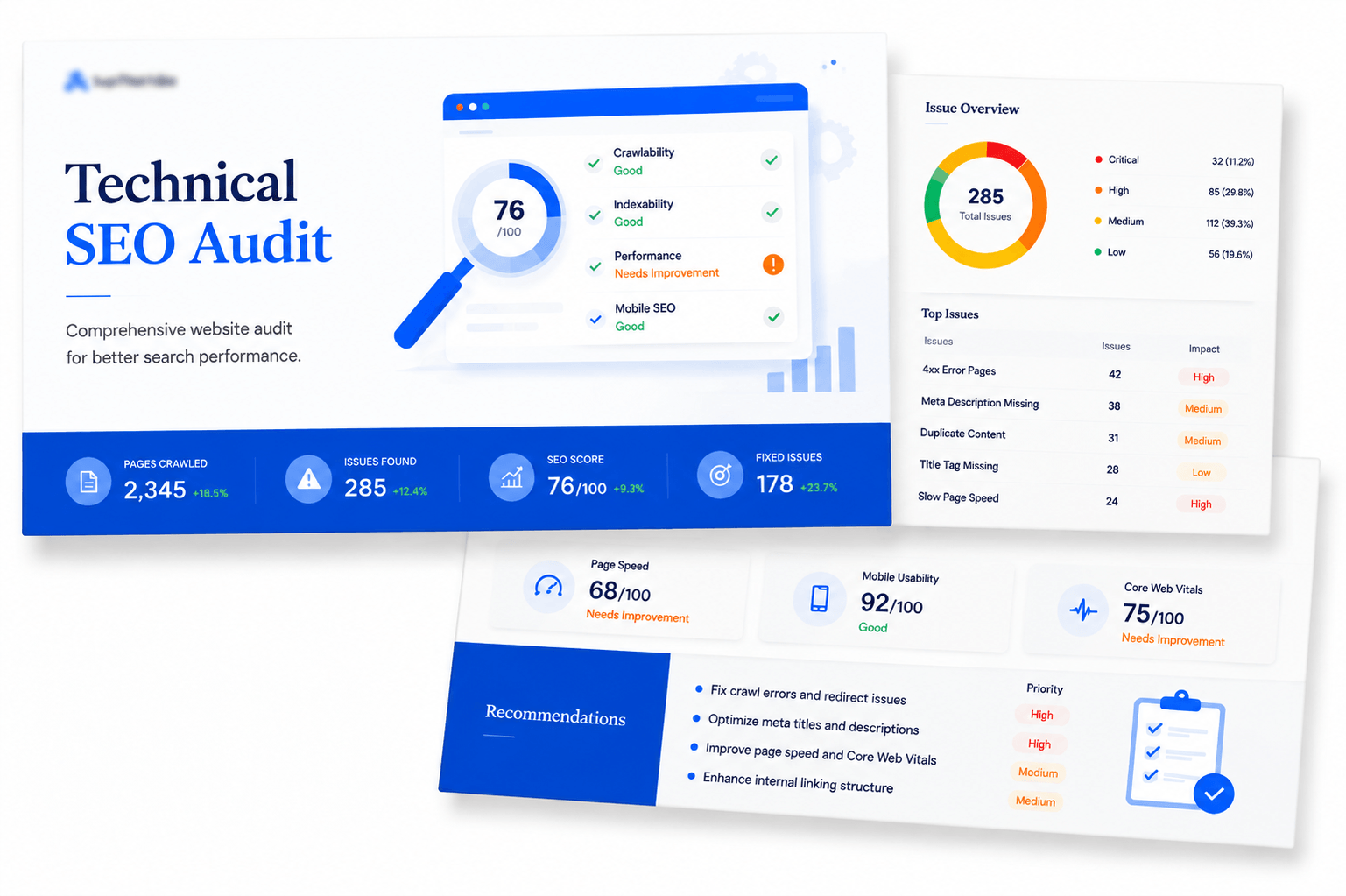
The audit overview: crawl coverage, page health, configuration files and the total issue count — all on one screen.
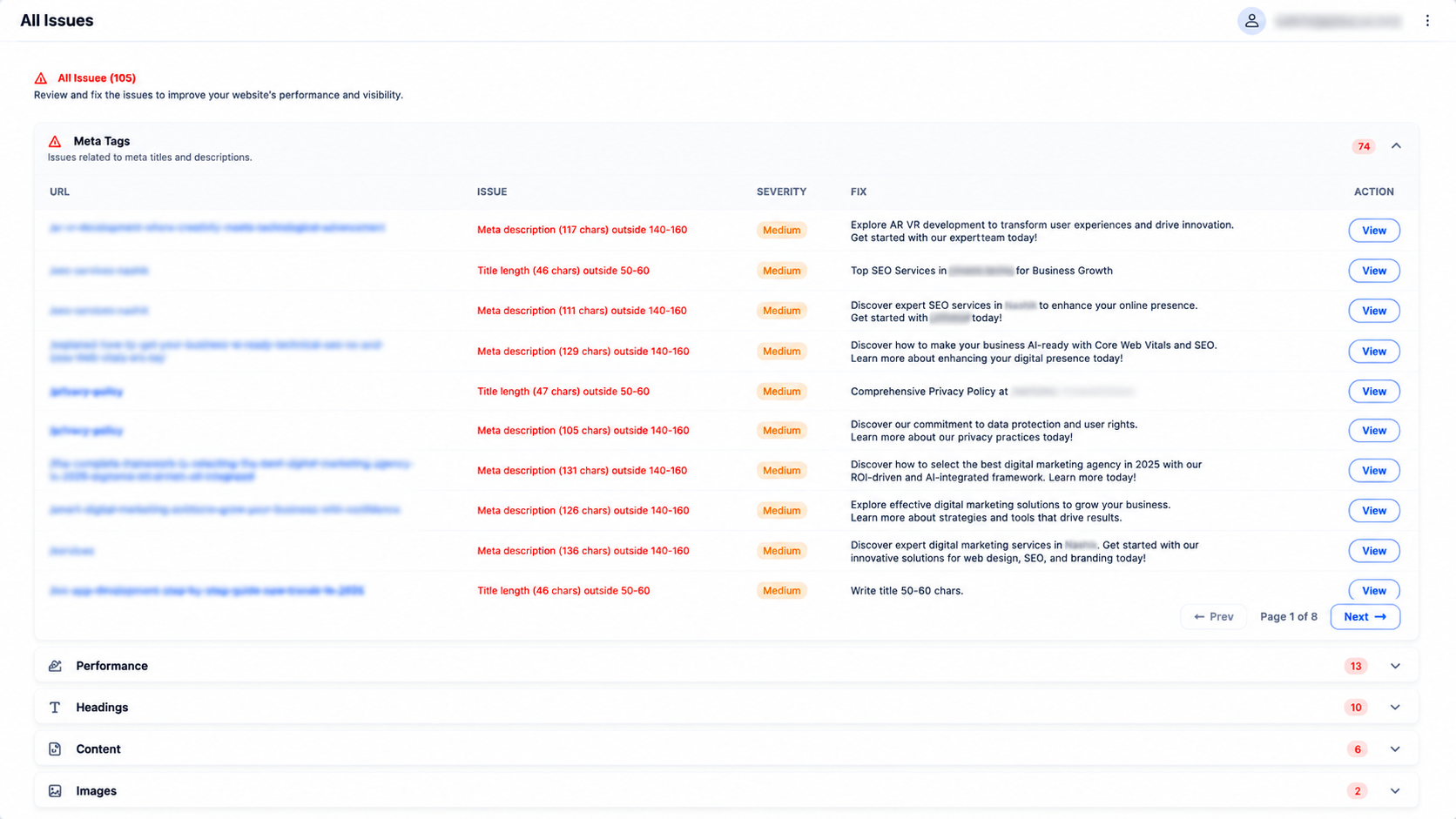
Issues grouped, prioritised and pre-written
Every finding is filed under Meta Tags, Performance, Headings, Content, Images, Social, Canonical or Technical, with a severity label and a count you can expand.
The Fix column is the part people actually use: instead of telling you a meta description is 117 characters, we hand you a rewritten description at the right length, on-topic for that page, ready to paste.
- 74 meta tag issues — title and description length, duplication, missing tags
- Headings — missing H1, multiple H1s, skipped heading levels
- Canonical — mismatches, self-referencing errors, cross-domain canonicals
- Images — missing ALT attributes reported per page, not just as a total
- Filter by severity, search by URL, and page through results without losing your place
The infrastructure layer, page by page
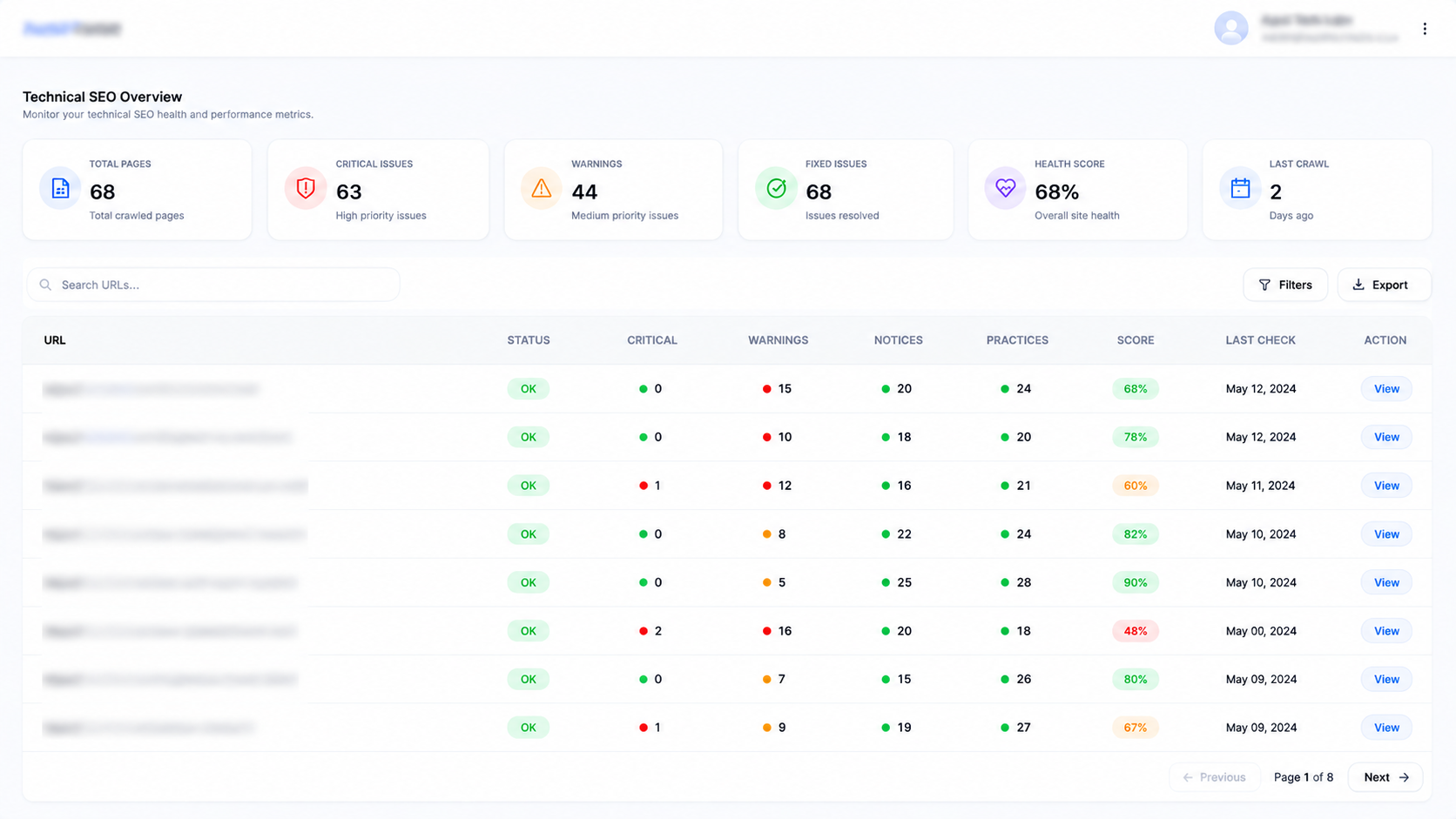
A separate technical sweep looks past content at how each page is actually served: whether JS and CSS are minified, whether Open Graph tags are complete, whether caching headers are set, and whether anything is being loaded over insecure HTTP inside an HTTPS page.
Counters at the top give you the scale of each problem instantly, and the table below lets you search any URL to see its full status row.
- HTTPS, viewport, mixed content and no-index flags per URL
- Unminified JS and CSS counts, with HTML weight in KB
- Open Graph completeness and X-Robots-Tag conflicts
- Cache-control status — the “Not Set” rows are usually the quickest win
Schema validated on every single page
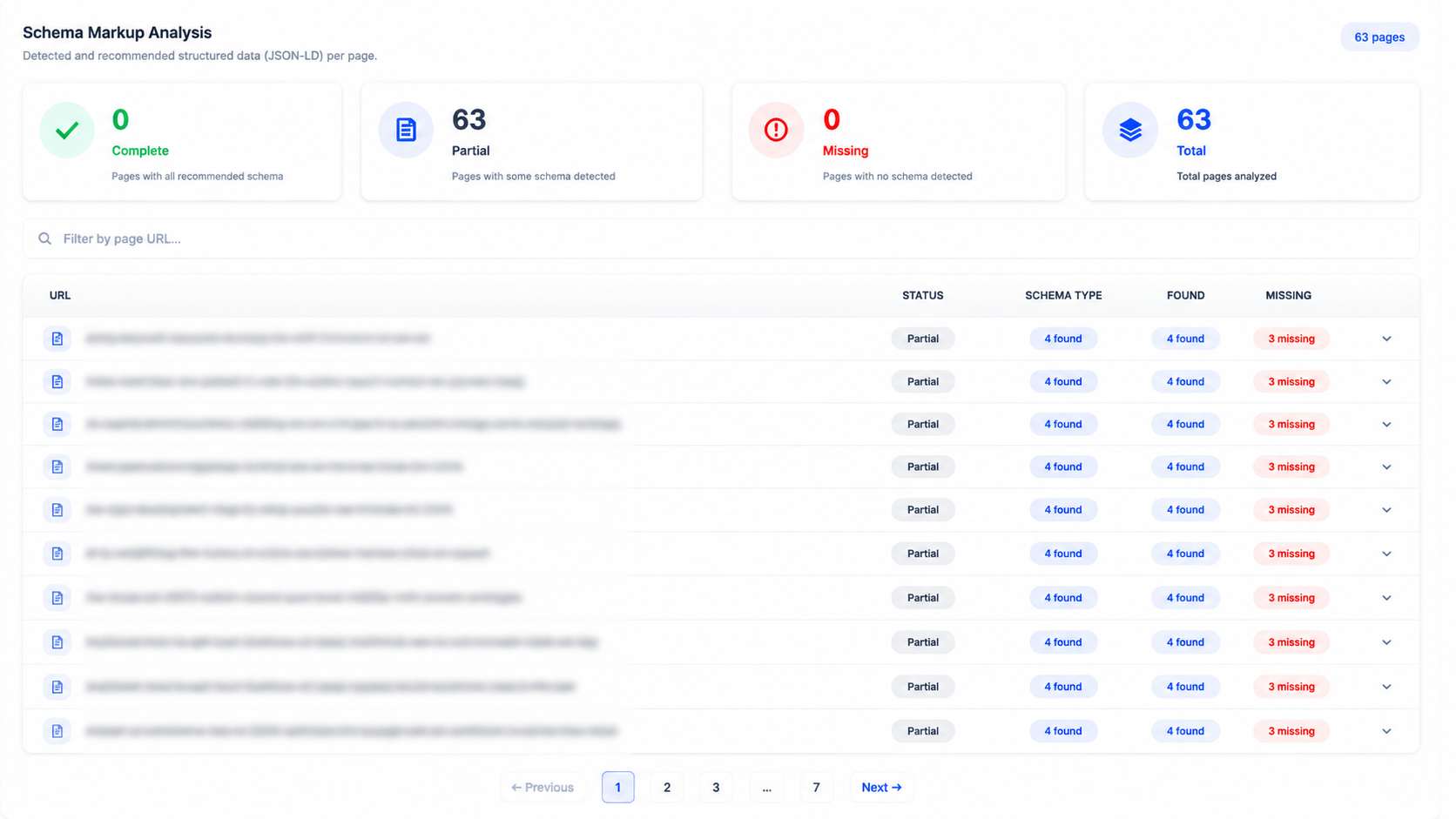
We parse the JSON-LD on each URL, list the schema types we found, and — more usefully — the recommended types you are missing for that page's purpose.
A page marked Partial with “4 found, 3 missing” tells you precisely where rich-result eligibility is being left on the table.
- Complete / Partial / Missing status for every crawled URL
- Detected types listed alongside recommended additions
- Validation errors surfaced before Google's own tools flag them
- Directly feeds the AEO score — schema is a large part of answer-engine readiness
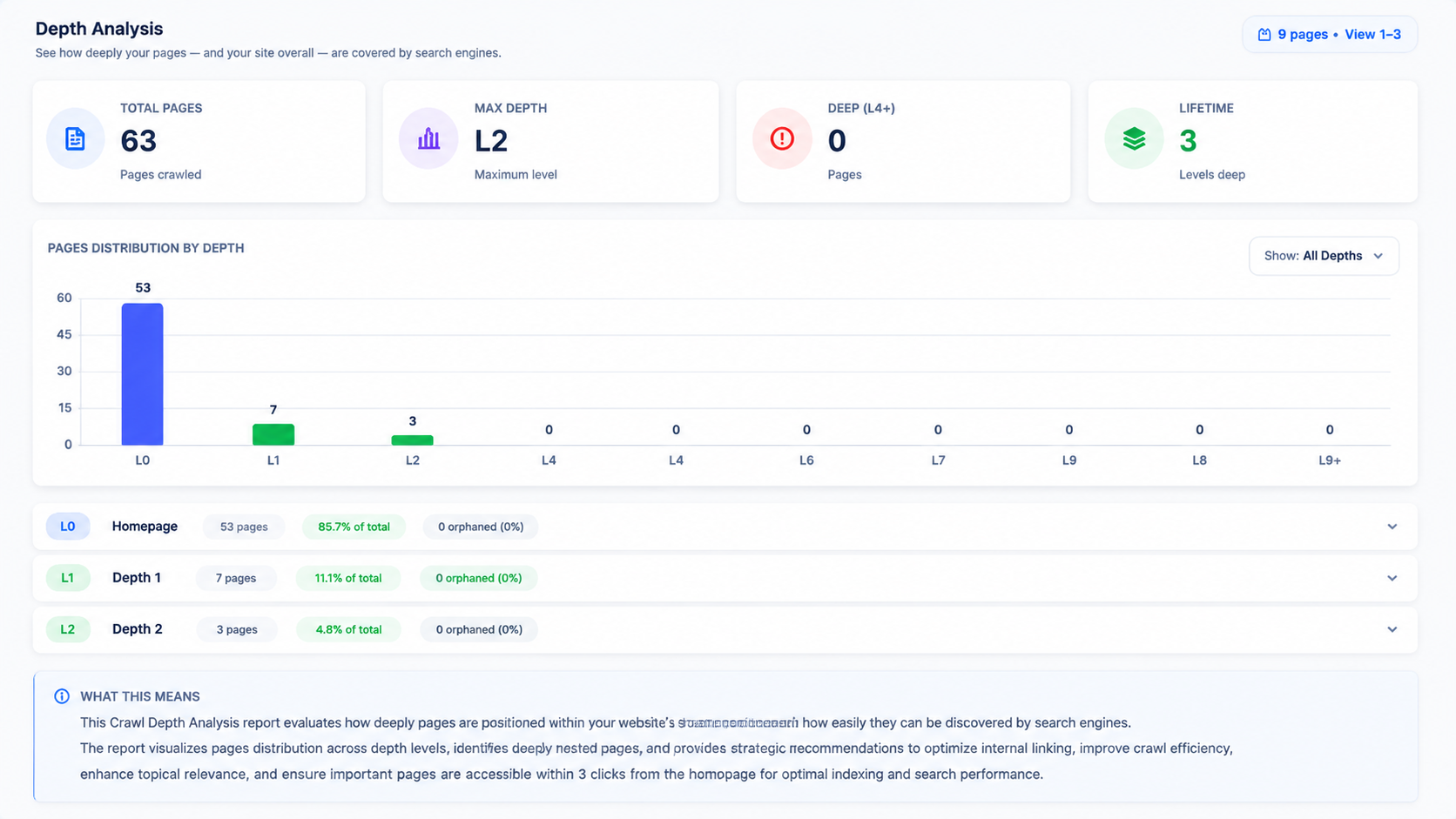
How deep is your content buried?
Crawl depth analysis maps how many clicks each page sits from the homepage. Shallow pages get crawled more often and inherit more internal link equity; anything at depth four or beyond is effectively invisible.
The distribution chart makes an unbalanced architecture obvious at a glance, and each depth level expands to show the pages inside it with their average SEO score and schema coverage.
- Page distribution across depth levels D0 to D10
- Average SEO score and schema completeness per level
- Deep-page count flagged separately so you can flatten the structure
- HTTP status and content size recorded for every page in the tree
What the crawler checks
A single run covers content, markup, configuration and delivery — the four places technical SEO usually breaks.
Meta & headings
Title and description length, duplication, missing tags, H1 presence and heading hierarchy across every page.
Configuration files
robots.txt validity and sitemap reference, sitemap index integrity, and llms.txt presence for AI crawlers.
SSL & security
Certificate expiry countdown, HTTPS enforcement, www resolution and mixed-content detection.
Links & images
Broken internal and external links, redirect chains, and every image missing an ALT attribute reported per page.
Structured data
JSON-LD parsing per URL with found versus recommended schema types and validation errors.
Delivery
Minification, cache headers, HTML weight, Open Graph completeness and X-Robots-Tag conflicts.
More from the audit module
Two views that turn the audit from a report into a workflow.
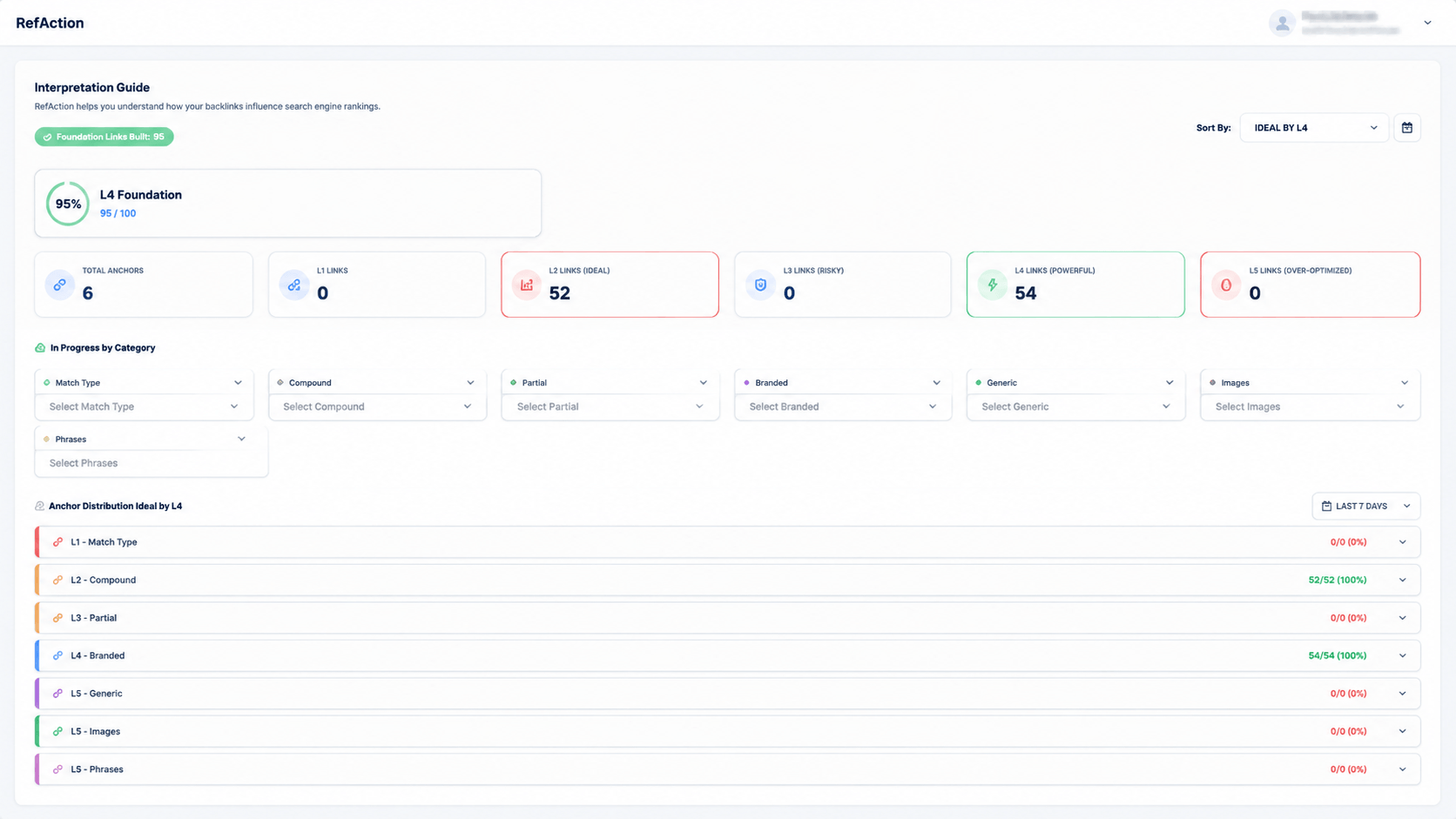
Re-crawl and we diff against the last run — proving which recommendations were actually shipped.
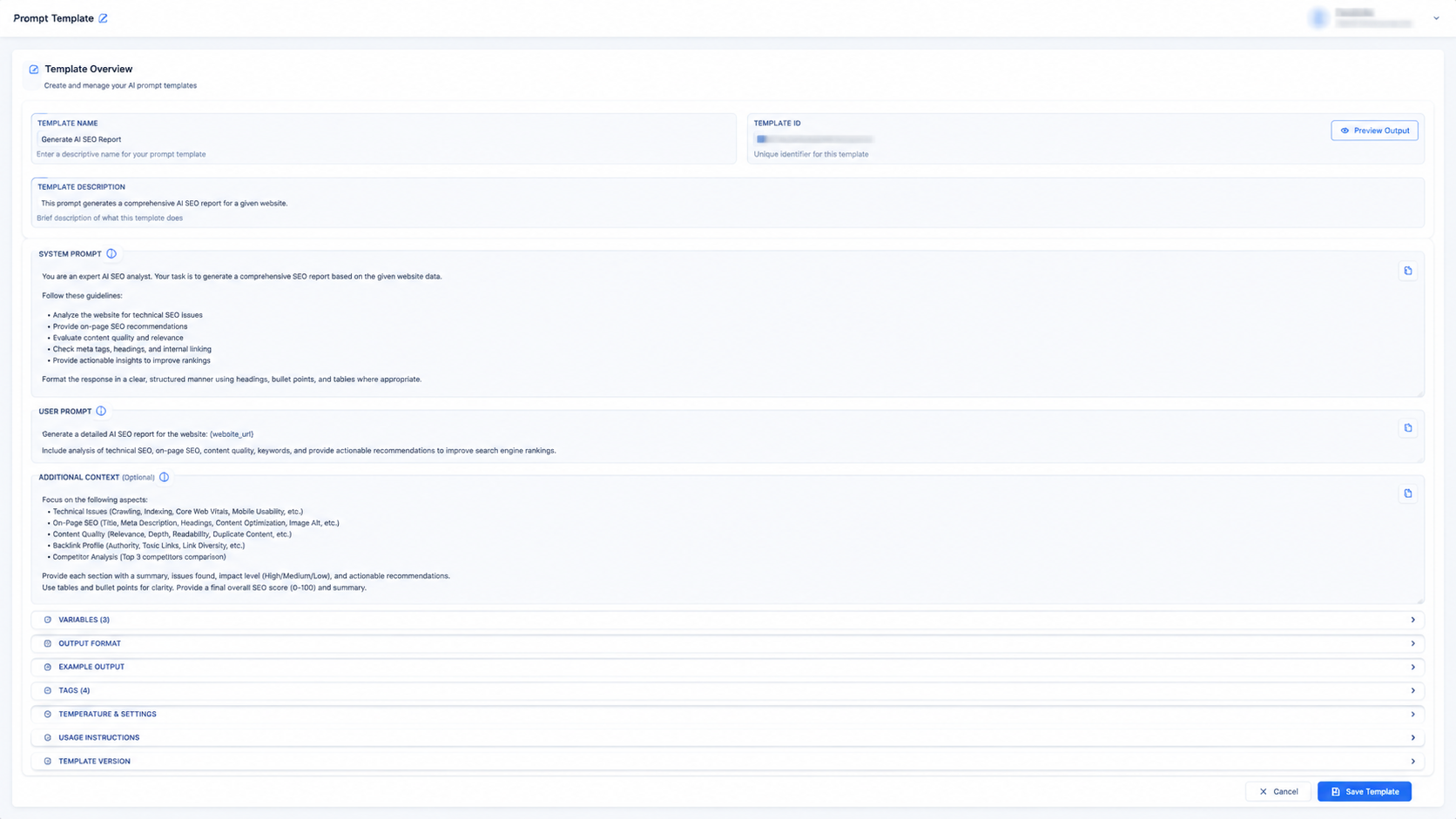
AI recommendations explain the reasoning, not just the rule, so your developer knows why it matters.
Questions about technical seo audit
Run your first audit
Point us at your domain and get a prioritised fix list with pre-written corrections in minutes.