The report writes itself.
Pick a date range, hit generate, download a 21-slide deck. Then prove the work: implementation tracking diffs each crawl against the last so you can show exactly which of 152 recommendations were actually shipped.
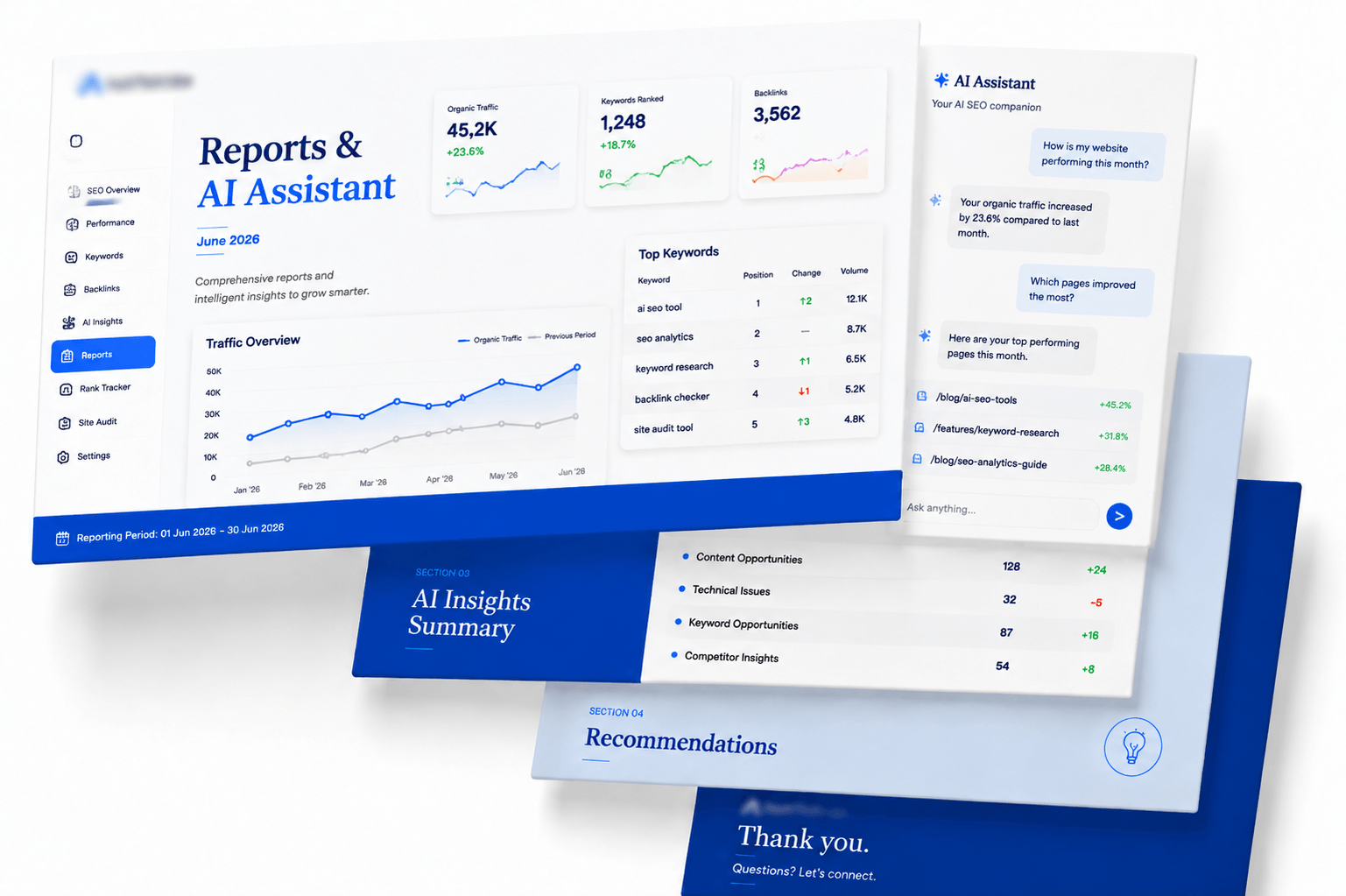
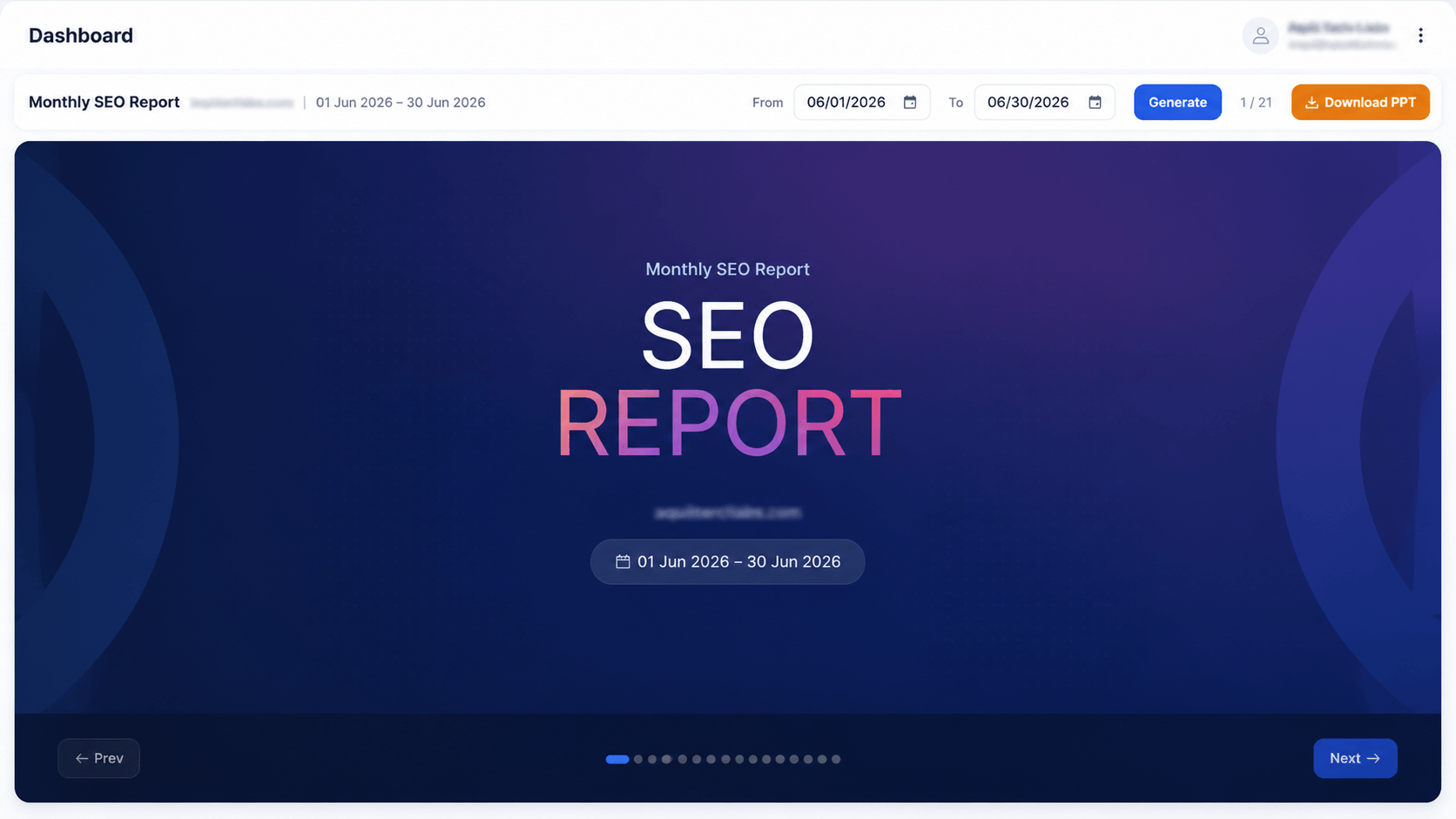
Choose a period, generate, download. The deck arrives branded, written and ready to send.
Client-ready, not raw data
The monthly report pulls rankings, traffic, technical progress, backlinks and AI visibility for the chosen period and lays them out as a narrative deck rather than a data dump.
It downloads as an editable PowerPoint, so you can drop in your own commentary or reorder slides before it goes to the client — which is usually the difference between a report that gets used and one that gets ignored.
- 21 slides covering the full period, generated in seconds
- Editable .pptx output rather than a locked PDF
- Custom from / to date range for any reporting cadence
- Excel exports from every underlying table
- PDF snapshots of the audit and competitive intelligence dashboards
Prove what actually got fixed
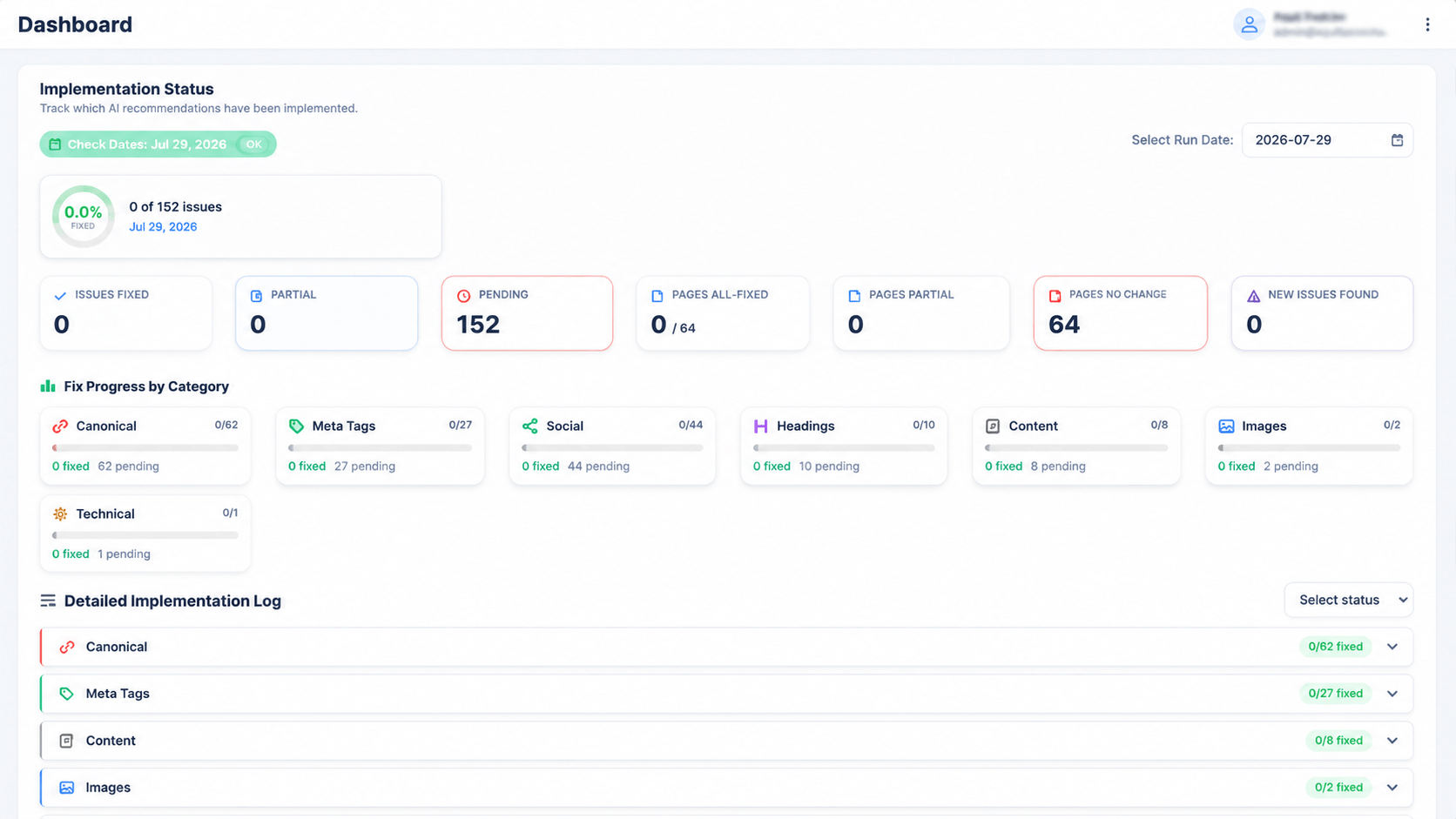
Recommendations are easy to generate and easy to ignore. Implementation status re-crawls your site and diffs it against the previous run to categorise every issue as fixed, partial or still pending.
Fix progress is broken down by category — meta tags, canonical, social, headings, content, images and technical — and a detailed log shows the item-level history.
- Fixed / partial / pending counts across all 152 tracked issues
- Pages all-fixed, pages partial and pages with no change
- New issues found flagged separately so regressions surface
- Per-category progress bars with a fixed / pending split
- Run date selector to compare against any previous crawl
Ask questions about your own data
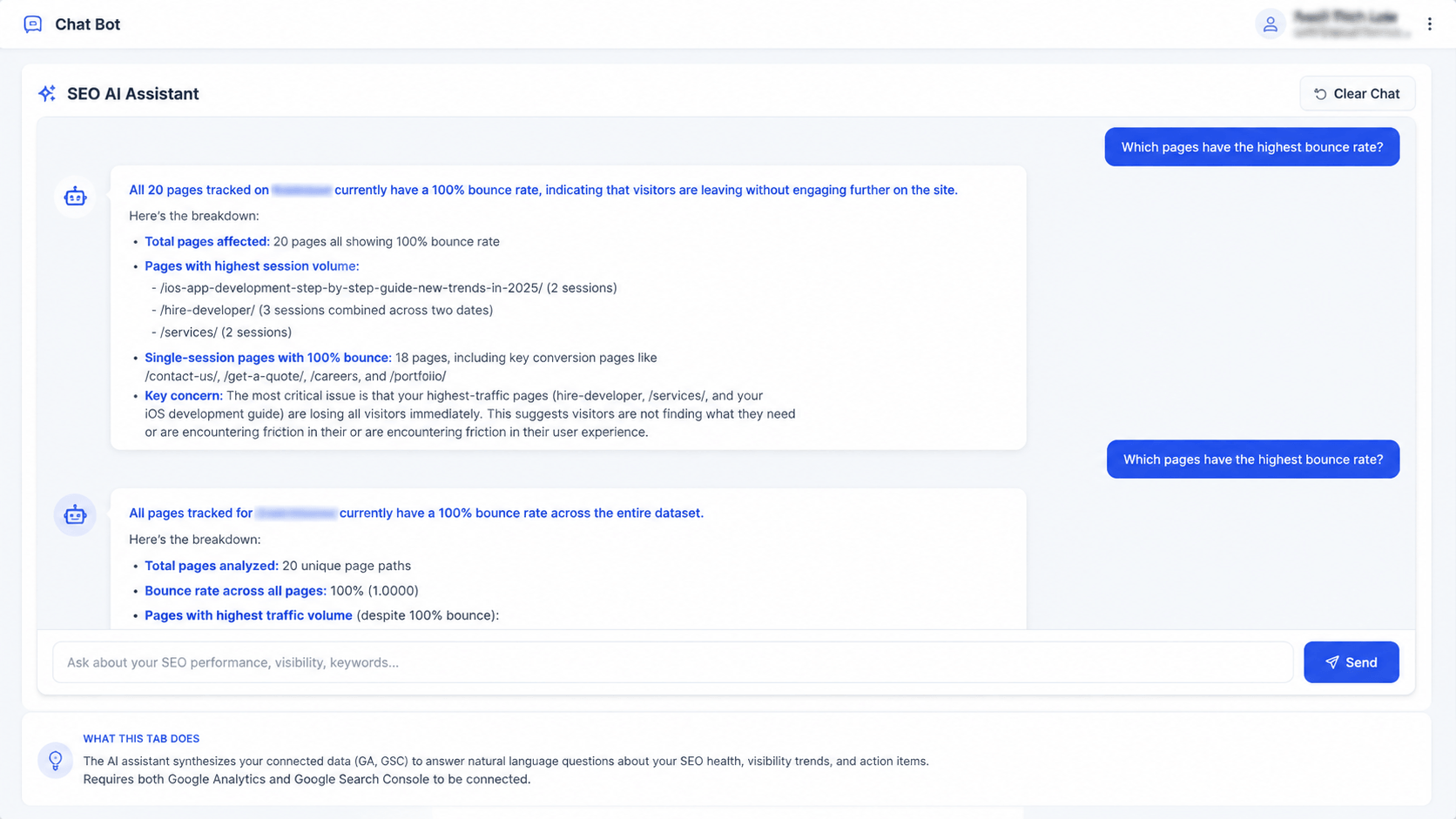
The SEO AI Assistant is connected to your actual analytics, rankings and audit data — not general SEO advice. Ask which pages have the highest bounce rate and it names them, with session counts and a diagnosis.
It's most useful for the questions that would otherwise mean cross-referencing three dashboards: why traffic moved, which pages are underperforming relative to their impressions, what changed since last month.
- Grounded in your connected GA4 and Search Console data
- Answers cite specific pages, dates and session counts
- Flags likely technical causes rather than only describing the symptom
- Conversation history retained; clear it any time
Every export the platform offers
Data you can hand to a client, a developer or a board without reformatting it.
PowerPoint
The full monthly SEO report as an editable 21-slide .pptx, generated for any date range.
Excel
Keyword rankings with competitor columns, backlink profiles, audit findings and AI prompt results.
Audit overview and competitive intelligence dashboards exported as-is for attachments and archives.
AI recommendations behind the reports
The recommendations tracked in implementation status are generated with their reasoning attached.
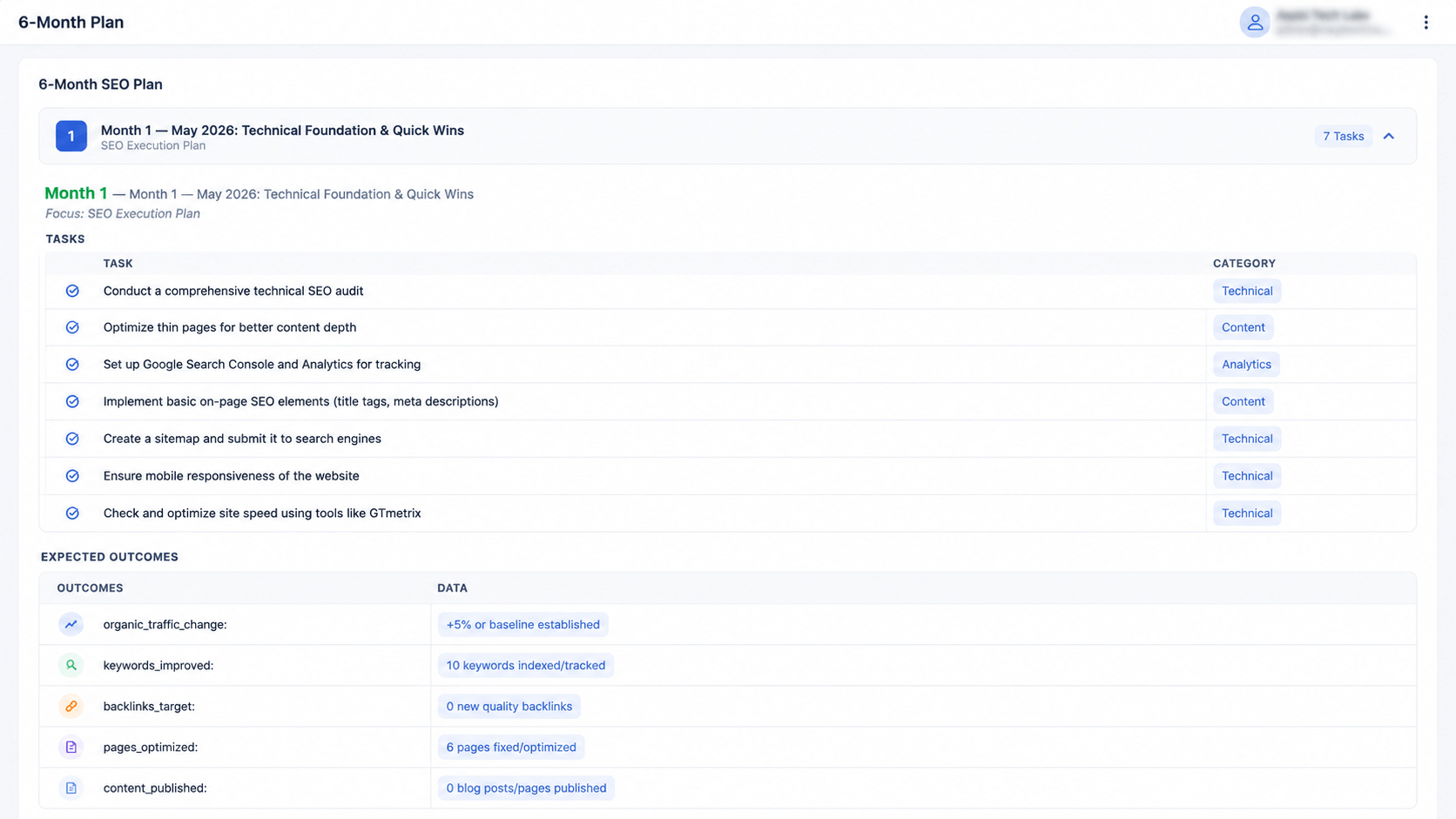
Prioritised actions per page, ordered by likely impact rather than by category.
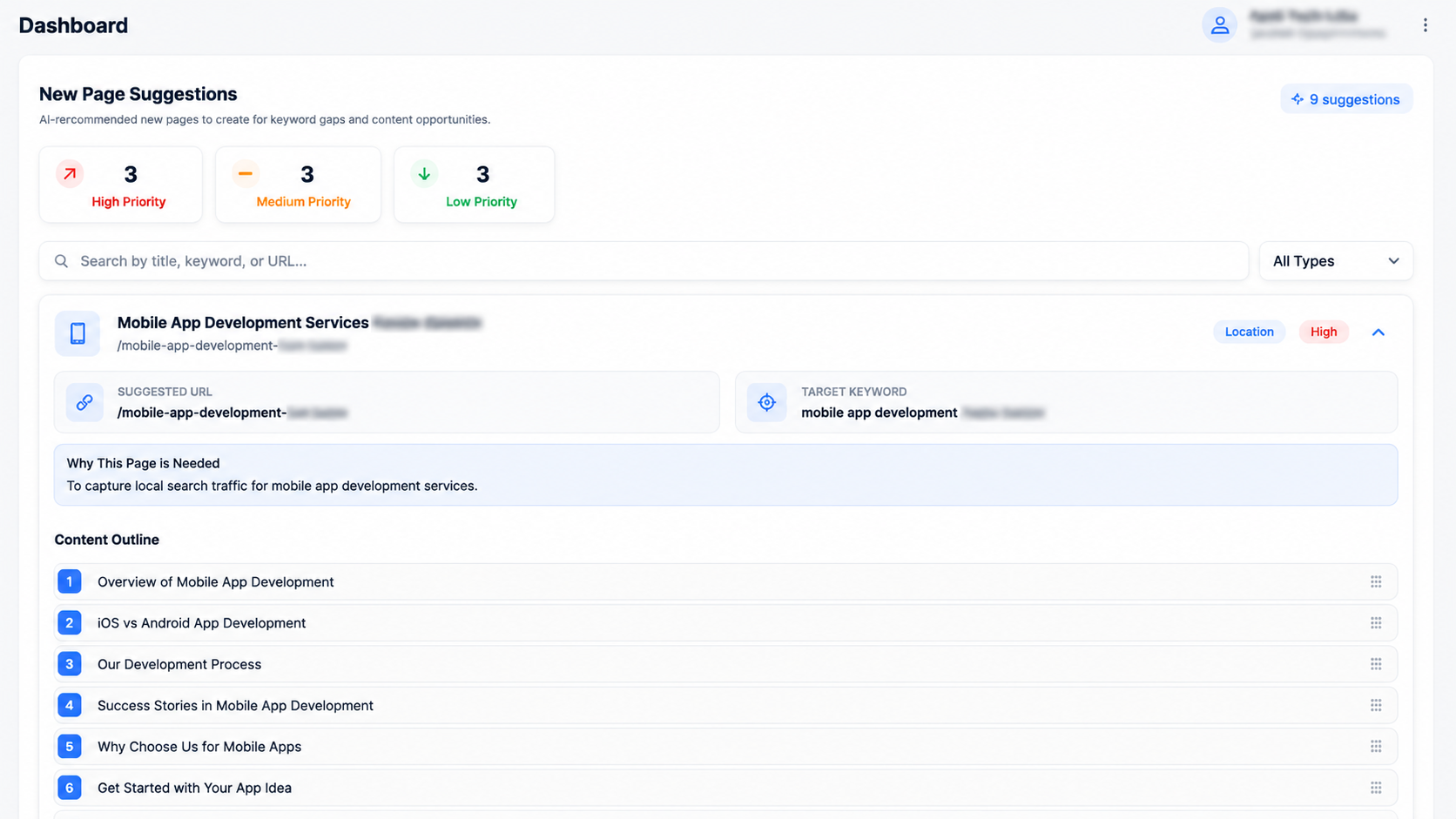
Each item carries a status that feeds straight into the implementation tracker.
Questions about reports & ai assistant
Stop building reports by hand
Generate a client-ready monthly deck in one click and prove which fixes actually shipped.