Your rank, their rank, every day.
A ranking tool that only shows your own position tells you half the story. Every keyword row here carries your rank and the rank of five competitors side by side, so a drop is immediately explainable rather than mysterious.
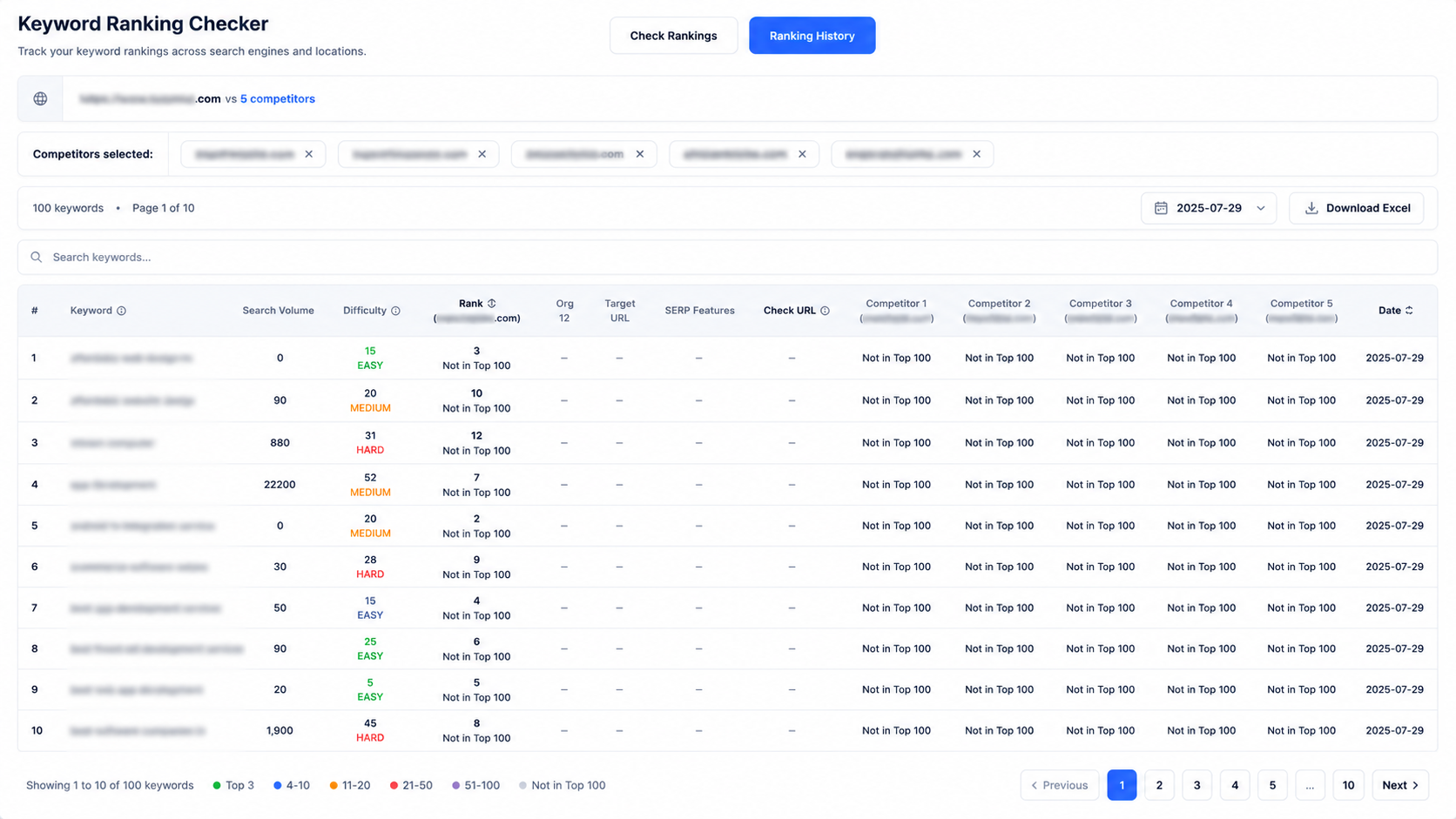
One row per keyword: volume, difficulty, your rank, the change since yesterday, the exact ranking URL, and all five competitors.
Every competitor in the same row
Add up to five rival domains once and every keyword you track automatically gains five extra rank columns. No separate report, no switching views.
The summary line under the table is the quick read: how many keywords are ranked, how many improved, how many dropped, and how many you are beating every competitor on.
- Target rank with a day-over-day change indicator
- Not in Top 100 stated honestly rather than estimated
- Target URL so you can see which page Google chose to rank
- Screenshot and Check URL links to verify any position yourself
- Difficulty percentage and search volume pulled in per keyword
Keywords found for you, then mapped to a page
Rather than starting from a blank list, the platform discovers keywords from your own content and service pages, then classifies each one as primary, secondary, short-tail or long-tail.
Each cluster expands to show its variants and — critically — the URL on your site that it has been mapped to, with a confidence level. Two pages competing for the same term shows up here before it costs you a ranking.
- Primary and secondary keywords identified per service area
- Short-tail and long-tail variants generated automatically
- Mapped URL with a high / medium / low confidence rating
- Filter and search across the whole discovered set
Six months of movement, not a snapshot
Switch to Ranking History and pick any stored date to see exactly where you stood. Because every run is retained, you can line up a ranking drop against an algorithm update, a site migration or a content change and see which one actually caused it.
Seasonal patterns that are invisible week to week become obvious across a six-month window.
- Date selector across every stored run
- Trend visualisation per keyword and in aggregate
- Change columns that persist through history, not just today
- Excel download of any historical view
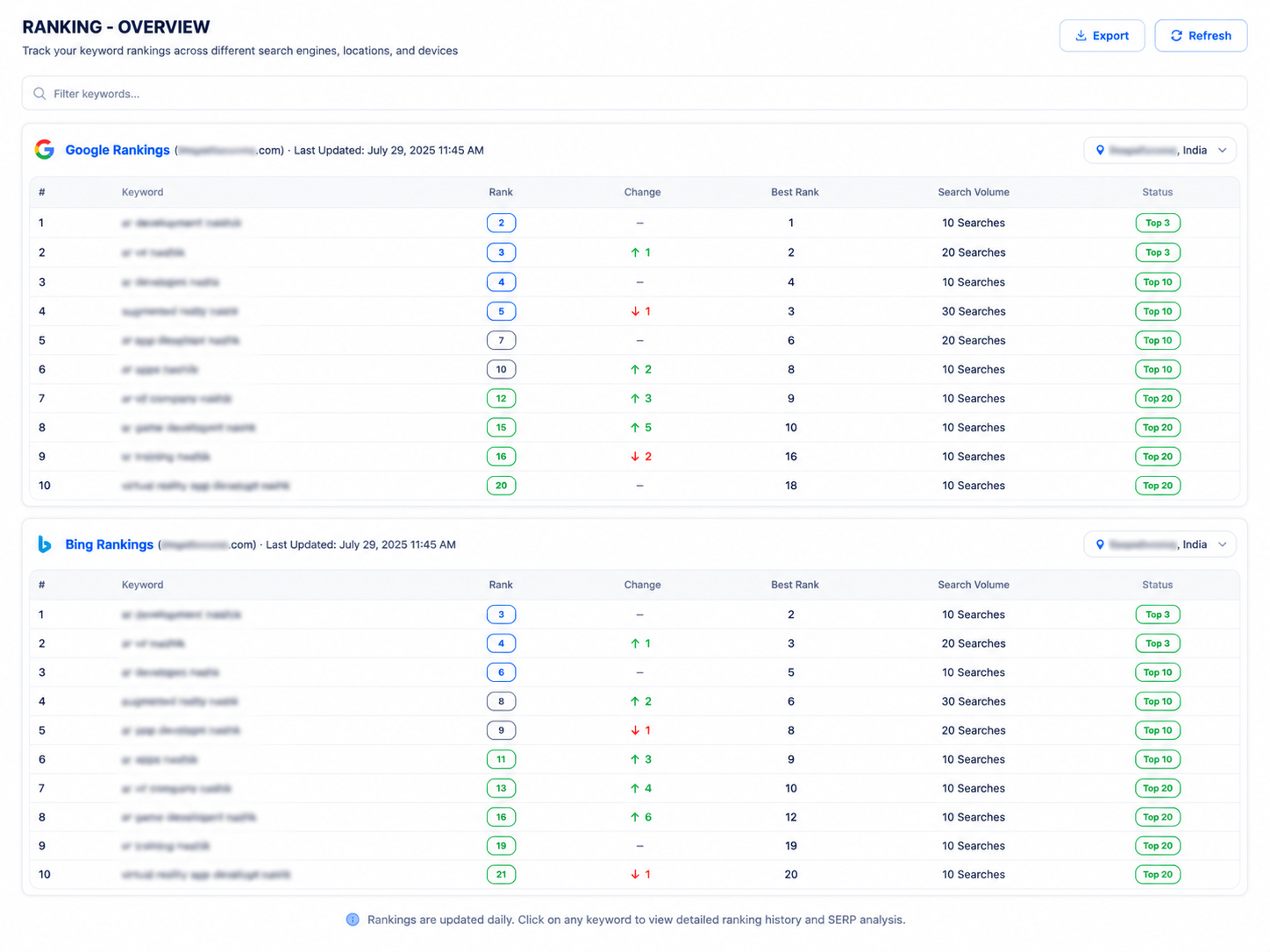
Built for people who report to someone
Rank data is only useful if you can defend it, explain it and hand it over.
Verifiable positions
Each check stores the ranking URL and a screenshot, so any position in the table can be independently confirmed.
Consistent methodology
Fixed daily check time with consistent location and device settings, so movement reflects reality rather than sampling noise.
Excel export
Download the full table — your ranks, competitor ranks, volume, difficulty and dates — for any stored run.
Related ranking views
Local rank data and content suggestions both feed off the same keyword set.
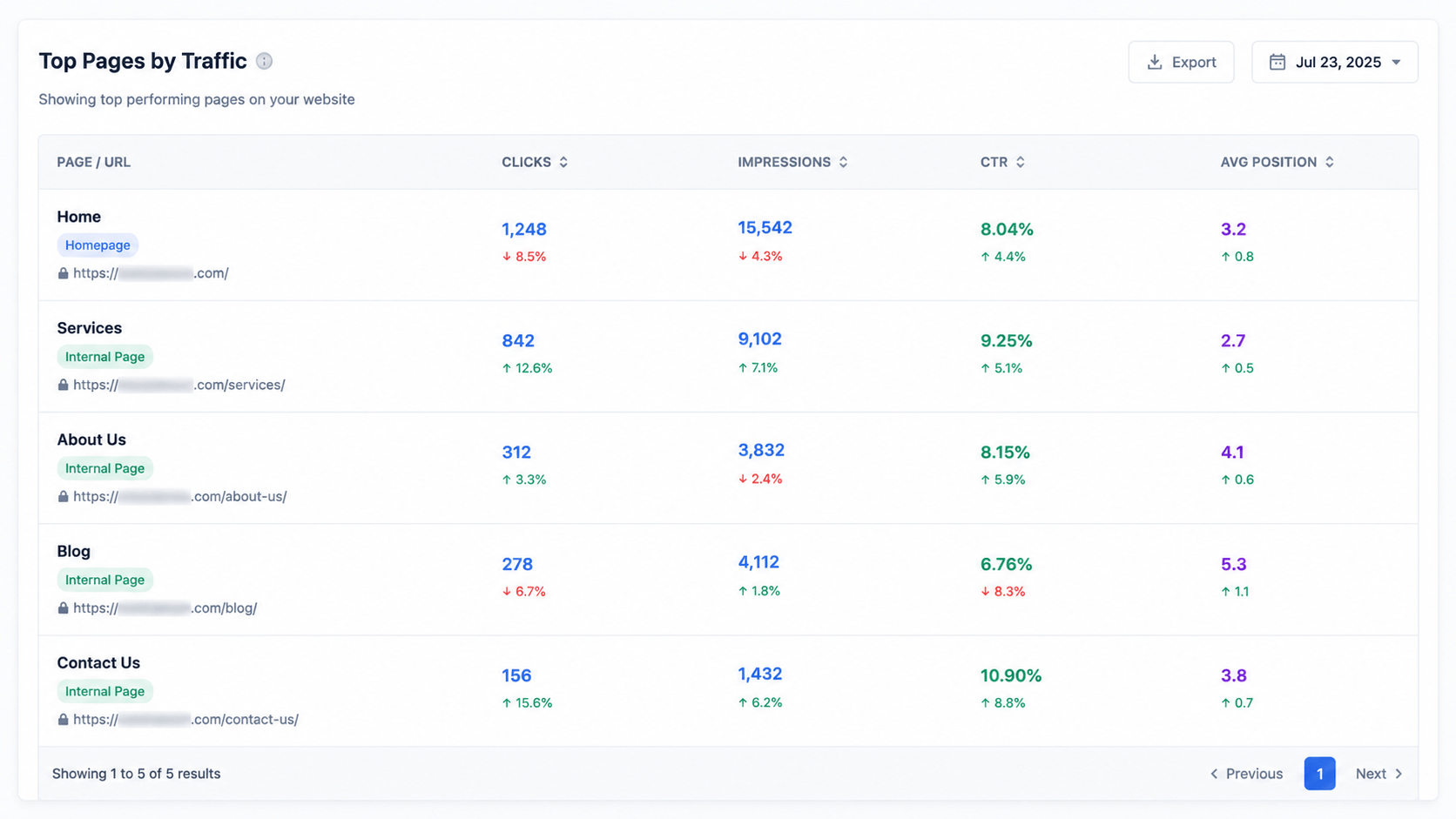
Location-qualified keywords tracked separately, mapped to the page that should own them.
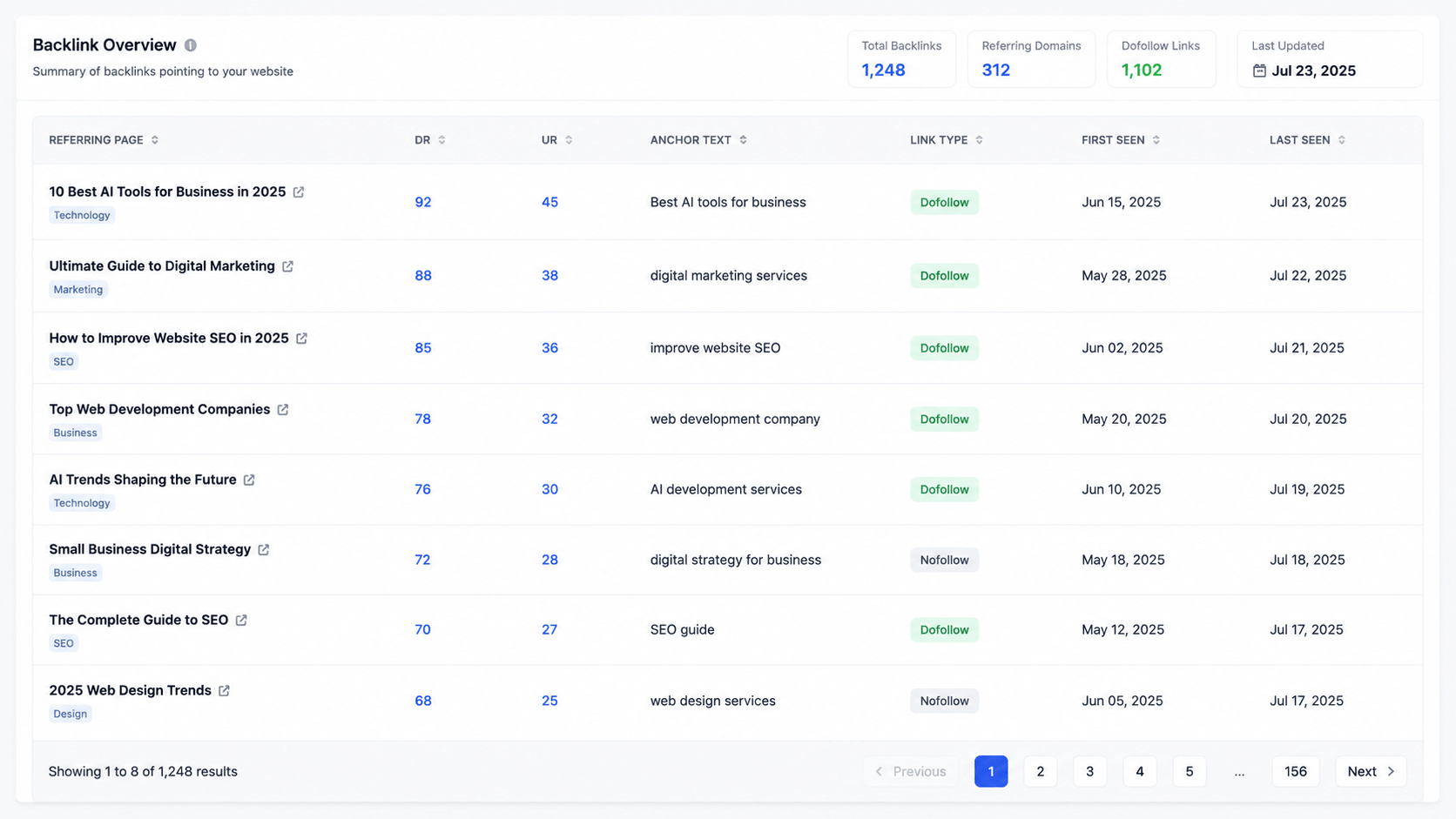
Where a keyword has no strong page, we suggest what to write instead of leaving a gap.
Questions about keyword rank tracking
Track your first hundred keywords
Add your domain and up to five competitors, and see the full comparison table tomorrow morning.